
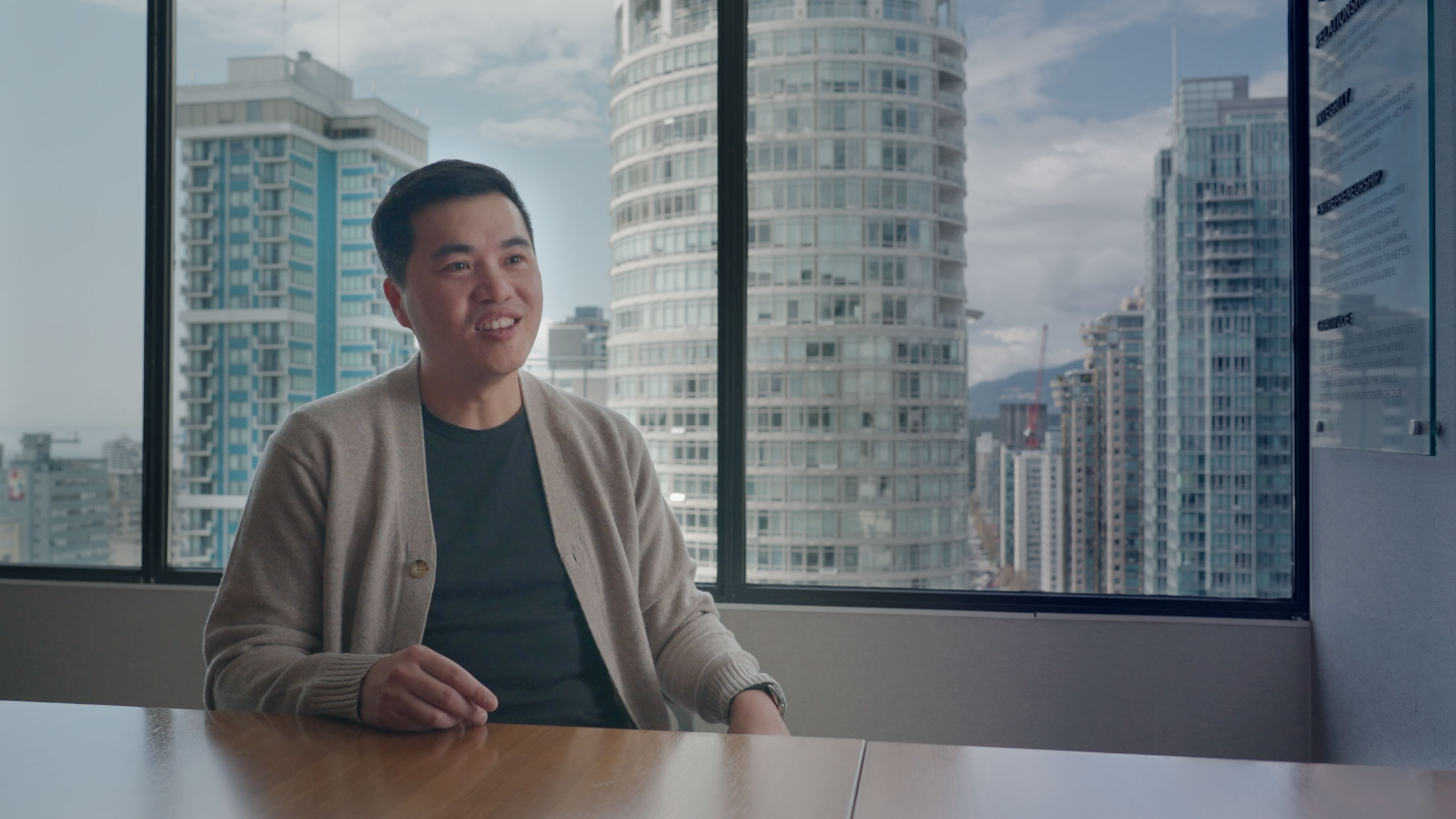
Most professionally produced corporate videos in BC fall somewhere between about $3,000 and $30,000 CAD, with simple half-day interview videos at the low end and multi-day brand films or training videos at the high end. The price depends far more on how many days of filming, people and edits are involved than on how long the finished video runs.
The ranges below are published 2026 market ranges for filming on location. They’re here to help you budget. For MediaHive’s own options, see our page on corporate video production in BC or book a call. MediaHive is a green screen virtual studio in Nanaimo, BC. Recording a single presentation video in our studio can cost as little as $450, and a formal sit-down interview recording is $850, far less than going on location. Editing is available and quoted according to your request.
What drives the price
Every quote is built from the same handful of choices.
Pre-production: planning and script
Strategy, scripting, interview questions, storyboards, scheduling and casting. A video where you supply the script costs less than one where the producer writes it with you. Skipping this step is the most common reason videos cost more later, because unclear messages lead to reshoots and long edits.
Shoot day, equipment, and crew
The biggest single line item. More days, more locations and more crew all add cost.
Locations and travel
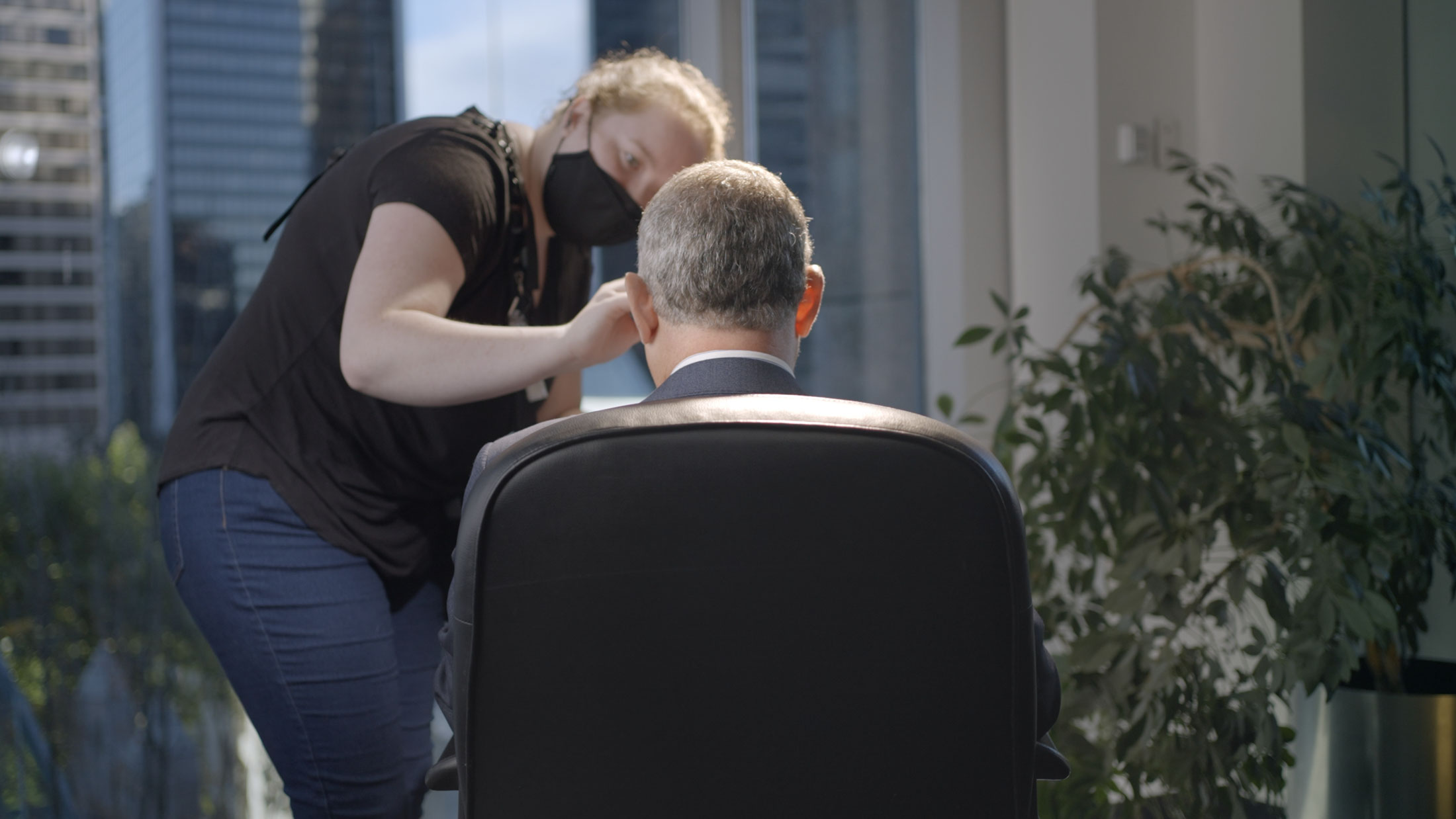
Each new location means set-up time, permits in some cases, and travel. Filming in our studio means no crew travel and no set-up in an unfamiliar space.
Post-production
Editing, colour, sound mix, graphics, captions and revisions. A professionally edited video involves far more steps than most people expect. Some projects use all of them, others only part.
[17]Steps in post-production: open for the full list
- Project creation: setting up the edit and organizing the project.
- Footage import: bringing every video and audio file into the edit.
- Audio synchronization: matching the separately recorded sound to the picture so speech lines up.
- B roll culling and sequencing: reviewing the supporting footage, picking the best clips and arranging them in order.
- Review and cutting of the interviews: going through each interview and cutting it into a story.
- Music selection and licensing: choosing the music and getting permission to use it.
- Lower third titles, intro and end screen: creating the name and job-title text, the opening and the closing screen.
- Colour correction: adjusting colour, brightness and contrast so the footage looks consistent.
- B roll integration: placing the supporting footage over the interview so it illustrates what is being said.
- Photos and graphics integration: adding project photography where it supports the story.
- Visual effects (VFX) and motion graphics: adding animated graphics, effects and other visual treatments on projects that call for them.
- Sound treatment of voices: cleaning up and balancing the voices for the final piece.
- Sound effects (SFX) and sound design: adding sound effects and designed sound where the project needs them.
- Review and minor revisions: making the changes you ask for after the first cut.
- Client requests and revisions: making the changes you request after you have reviewed the video.
- File versions for different platforms: creating the versions you need for your website, social media and other places the video will play.
- Rendering and delivery: creating the finished video files and sending them to you.
Some things are extra and quoted separately: voiceover script writing and a voiceover artist, sound effects design, and motion graphics such as charts and graphs.
Extra versions, such as vertical cuts for social media, add editing time but are far cheaper than shooting again.
Talent and extras
Professional presenters or actors, voice-over, music licensing, drone footage and animation each carry their own costs.
Typical on location price range
These are typical 2026 ranges in CAD. Every project is different, so use them as a guide.
| Type of project | Typical range (CAD) |
|---|---|
| Single interview, on location, recording only | $3,000+ |
| Half-day on-location filming and production | $5,000 to $8,000 |
| Typical B2B corporate video or brand film | $10,000 to $15,000 |
| Training or safety video | $15,000 to $30,000 |
| Small product or service commercial with actors | $20,000 to $30,000 |
| Premium, multi-day production | $30,000+ |
| National television-level TV commercial | $50,000+ |
Most corporate projects filmed on location land between $3,000 and $30,000 CAD. In BC, add 5% GST to most quotes (and PST where it applies to your project; ask your producer). Also note that BC’s film and TV tax credits generally don’t apply to corporate or advertising videos, so don’t count on them to reduce your budget.
Want a straight answer for your project? Book a call and we’ll scope it with you, including ways to keep the cost down.
Studio vs. on-location costs
Where you film has a big effect on the budget.
On location, the crew travels to you, loads in gear, lights a space that wasn’t designed for filming, and works around noise, daylight and your staff. Each extra location usually adds half a day or more. It’s the right choice when the place is the point: a production line, a vessel, a clinic, a job site.
In a studio, lighting, sound and cameras are already set up, so more of your booked time goes into recording. At MediaHive’s studio, recording a single presentation video can cost as little as $450, and a formal sit-down interview recording is $850. Editing is available and quoted according to your request. In a virtual production studio like MediaHive’s in South Nanaimo, you can appear in several different settings, such as an office, a warehouse or a talk-show set, in one session without moving anyone. That makes studios efficient for:
- Executive messages and quarterly investor updates
- Recruitment videos with direct-to-camera messages
- Training, onboarding and e-learning modules
- Podcast-style interviews and internal shows
- Batches of short clips for social media
Read what virtual production is for how a studio shoot works. Many projects combine both: interviews in the studio, cut with a few hours of real footage from your site.
Cost per minute: does that measure make sense?
You’ll see “cost per finished minute” quoted online.
It’s a poor way to budget, for three reasons:
- Most of the cost isn’t tied to length. Planning, crew days, travel and set-up cost the same whether the final edit is 60 seconds or three minutes.
- Shorter is often harder. A tight 60-second piece can take longer to write and edit than a loose five-minute interview.
- One shoot can produce many minutes. A well-planned studio day can deliver a main video plus several short clips. Divide the cost across everything you get and the per-minute figure drops sharply.
A better question is: what do I get from one shoot day, and how many pieces of content can it produce? That’s how to budget for a video.
Ways to get more from your budget
- Lock the message before the shoot. Agree on the audience, the one thing they should remember, and who signs off. See how to prepare your CEO for camera.
- Batch your videos. Record several messages, interviews or modules in one session instead of booking separate days.
- Plan for clips from the start. Ask for vertical versions for Reels, Shorts and LinkedIn while you’re on set.
- Use a teleprompter. It shortens takes and keeps messages on script.
- Choose a simple background where it fits. For short direct-to-camera messages, a plain colour background is a budget-friendly alternative to a full set.
- Limit locations. Every move costs time. Studios avoid that entirely.
- Know when a phone is fine. Not every video needs a crew. See phone video vs a professional shoot for where the line is.
FAQ
01How much does a corporate video cost in BC?
Published 2026 market ranges put most professionally produced corporate videos between about $3,000 and $30,000 CAD before tax. Simple half-day interview videos sit at the low end; multi-day brand films and training videos sit at the high end. At MediaHive’s studio, a single presentation video can be recorded for as little as $450, and a formal sit-down interview recording is $850. Editing is available and quoted according to your request.
02What does a corporate video cost per minute?
Per-minute pricing is a weak budgeting tool, because planning, crew days and travel cost the same regardless of length. Budget by what one shoot delivers instead.
03Is a studio shoot cheaper than filming at our office?
Yes, always. A studio shoot costs less than filming on location, because there’s no travel, set-up or lighting of an unfamiliar space, and you can record several looks in one session. Filming on location is worth it when the location itself is part of the story. At MediaHive’s studio, a single presentation video can be recorded for as little as $450, and a formal sit-down interview recording is $850.
04Can MediaHive also go on location?
Yes, we can go on location anywhere in BC or in Canada. For local shoots, a single interview starts at $3,000 for a news-style set-up, or $3,500 for a regular professional interview set-up with two cameras, multiple lights and sound.
05Do BC film tax credits apply to corporate videos?
Generally no. BC’s production tax credits are aimed at film and television, and corporate and advertising productions are typically excluded. Check with your accountant for your situation.
Ready to scope your video? Book a call, or see our Studio Packages.