
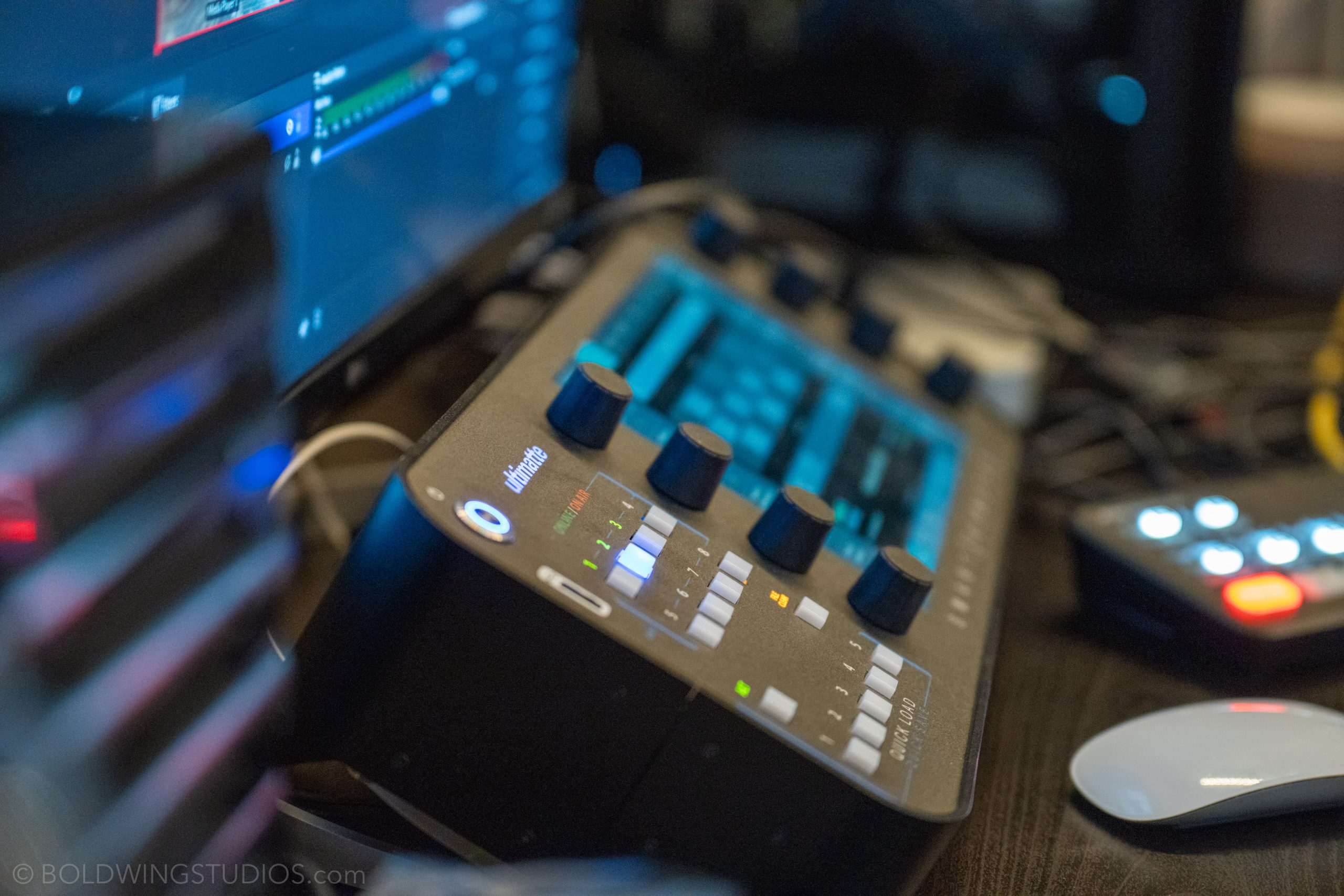
To start a video podcast, pick a clear show idea and format, set up at least one camera and one good microphone per person in a quiet, well-lit space, then record a few episodes before you launch. After that, it’s about editing, publishing on a regular schedule, and cutting short clips so new people can find you.
Here’s each step in plain terms. If you’d rather skip the gear, our podcast studio in Nanaimo can record, edit and publish for you, but everything below works for a home setup too.
Pick a show idea and format
The shows that last are the ones with a clear answer to “who is this for, and why would they come back?”
- Name your listener. “Small-business owners on Vancouver Island” is better than “anyone interested in business.”
- Choose a format. Solo, co-hosted, interview or panel. Interviews are the easiest way to start, because your guests bring the content.
- Set a length and schedule you can keep. A 25-minute episode every two weeks you actually publish beats a weekly hour you abandon after a month.
- Think in video from the start. Will you be at a table, side by side, or on a set? Will you show products or slides? The answer shapes your camera setup.
Cameras, mics and a space
Sound first
Viewers forgive average video. They don’t forgive bad audio. Give every person their own microphone, keep it close to their mouth, and record in a room with soft surfaces to cut echo.
Cameras
One camera works for a solo show. For conversations, two or three cameras (a wide shot plus one on each person) make the edit feel like a real show. Use the camera’s highest practical quality and lock focus and exposure so they don’t drift mid-episode.
Light and background
Face a soft light source, such as a window or a large diffused lamp, and avoid overhead light alone, which creates shadows under the eyes. Keep the background tidy and simple. A studio adds a choice of sets, including virtual sets you can swap without building anything.
Recording your first episodes
- Record three to five episodes before launch. It gives you a buffer and lets listeners binge if they like the first one.
- Do a full test recording. Check every mic and camera, then play it back.
- Use a loose outline, not a script. Write your intro, three or four talking points and your closing call to action.
- Look good on camera. Solid, mid-tone colours work best. Our guide on what to wear on camera covers the details.
- Batch-record. Recording several episodes in one session saves set-up time and keeps the look consistent.
Want to see how a studio session works? Book a call and we’ll walk you through formats, sets and schedules.
Editing, publishing and clips
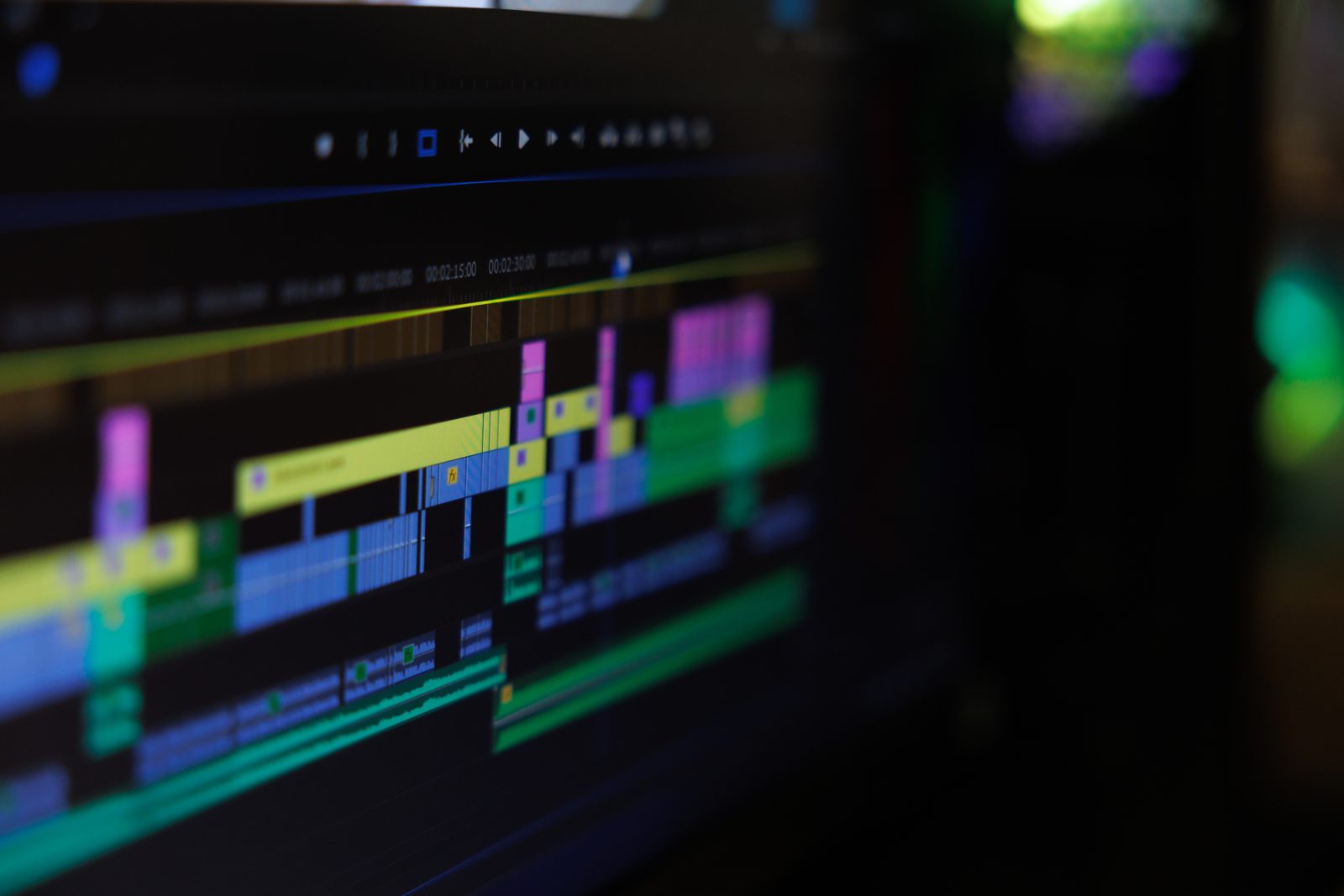
Editing
A good edit removes false starts and long pauses, balances the audio, switches between camera angles, and adds your intro, outro and titles.
Publishing
You’ll need a podcast host, which sends your audio to Apple Podcasts, Spotify and other apps, and a YouTube channel for the full video. Publish on the same day each week or fortnight so people know when to expect you.
Clips
Short vertical clips for Reels, Shorts and LinkedIn are how most new viewers discover a podcast. Pull two or three strong 30 to 60 second moments from every episode.
MediaHive’s podcast packages cover 1, 2 or 4 episodes a month and include hosting, distribution to podcast platforms, posting and social reels. Because the studio records and edits live, content can be ready the same day or the next day if you want to post it yourself.
Studio or home?
Both work. Home recording suits audio-first shows and tight budgets; a studio pays off when video quality, in-person guests or your business’s image matter. We compare the two in detail in podcast studio vs recording at home.
FAQ
01Do I need video for a podcast?
No, but it helps. Audio-only shows can do very well, but video lets you publish on YouTube and cut short clips for social media, which are two of the easiest ways for new listeners to find you.
02How many episodes should I record before launching?
Three to five is a good target. It gives new listeners more than one episode to try and gives you a buffer if life gets busy.
03What equipment do I need to start a video podcast?
At minimum: one camera, one microphone per person, headphones and a quiet room with soft light. Add more cameras as the show grows.
04How long should a video podcast episode be?
As long as it stays interesting. Many interview shows run 20 to 45 minutes. Pick a length you can fill well and keep it consistent.
Ready to start your show? Book a call to plan your first episodes with us, or read podcast studio vs recording at home to decide where to record.